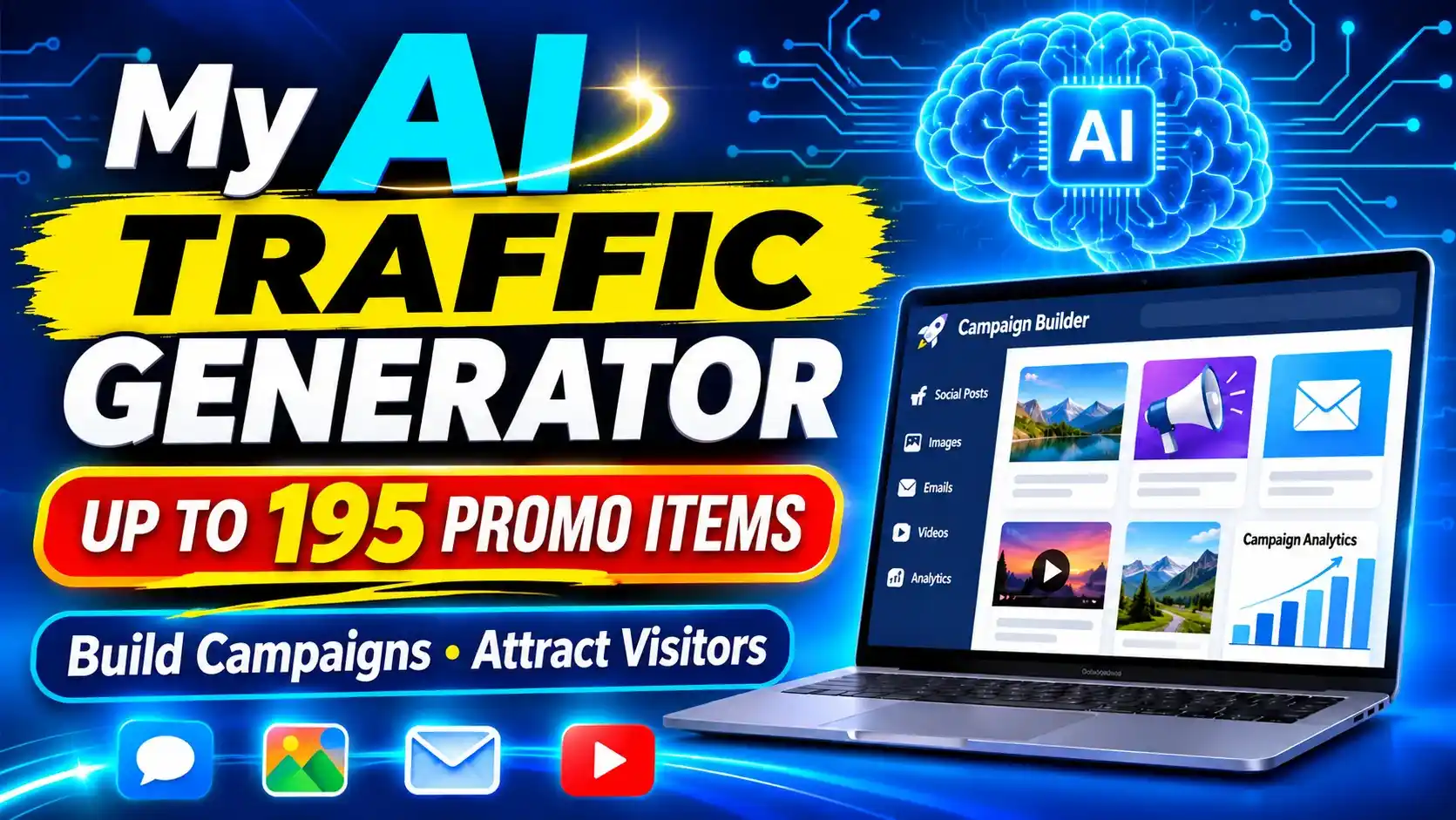
Creating promotional content for Facebook, Pinterest, Instagram, LinkedIn and YouTube can take considerable time. Each platform has different content formats, audience expectations and publishing requirements. You may need captions, descriptions, images, email sequences and calls to action.
An AI free traffic generator can help organise this process by preparing a structured prompt for an AI assistant. Instead of writing separate instructions for every platform, you provide your promotion details, select your platforms and generate one complete prompt.
My AI Free Traffic Generator is a downloadable HTML browser tool designed for this purpose. It does not publish content or automatically send visitors to your website. Instead, it prepares instructions that you can use with an AI assistant to create your campaign materials.
In this guide, you will learn how the tool works, what you need before starting, how to prepare a campaign step by step, and what to check before purchasing.
Watch My AI Traffic Generator in Action.
Quick Summary
- What it is: A downloadable HTML browser tool that prepares a detailed AI prompt for promotional campaigns.
- Main price: $47 for instant access, according to the supplied sales information. Confirm the current price on the official page.
- Optional upgrade: A PLR Marketing Pack is listed as an additional $9 checkout upgrade.
- Best for: Affiliate marketers, bloggers, PLR sellers, list builders and digital product creators.
- Rating: 3.5/5 based on the listed features and workflow, not hands-on testing or verified customer reviews.
What Is My AI Free Traffic Generator?
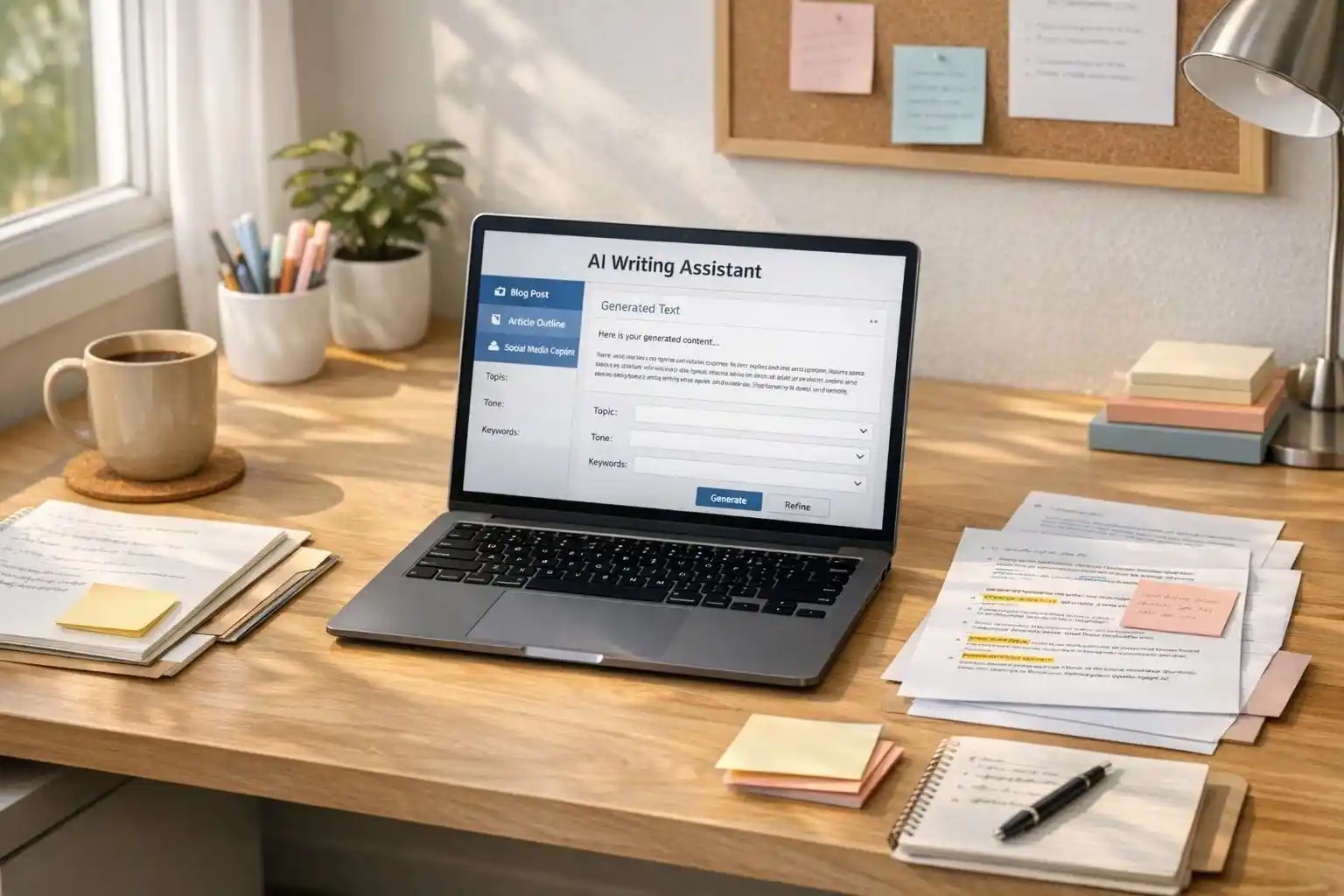
My AI Free Traffic Generator is a downloadable HTML tool that runs in your web browser. Its primary purpose is to turn your promotion details and platform selections into one structured prompt.
You open the HTML file, choose what you want to promote, paste your sales copy or article text, select your preferred platforms and generate the prompt.
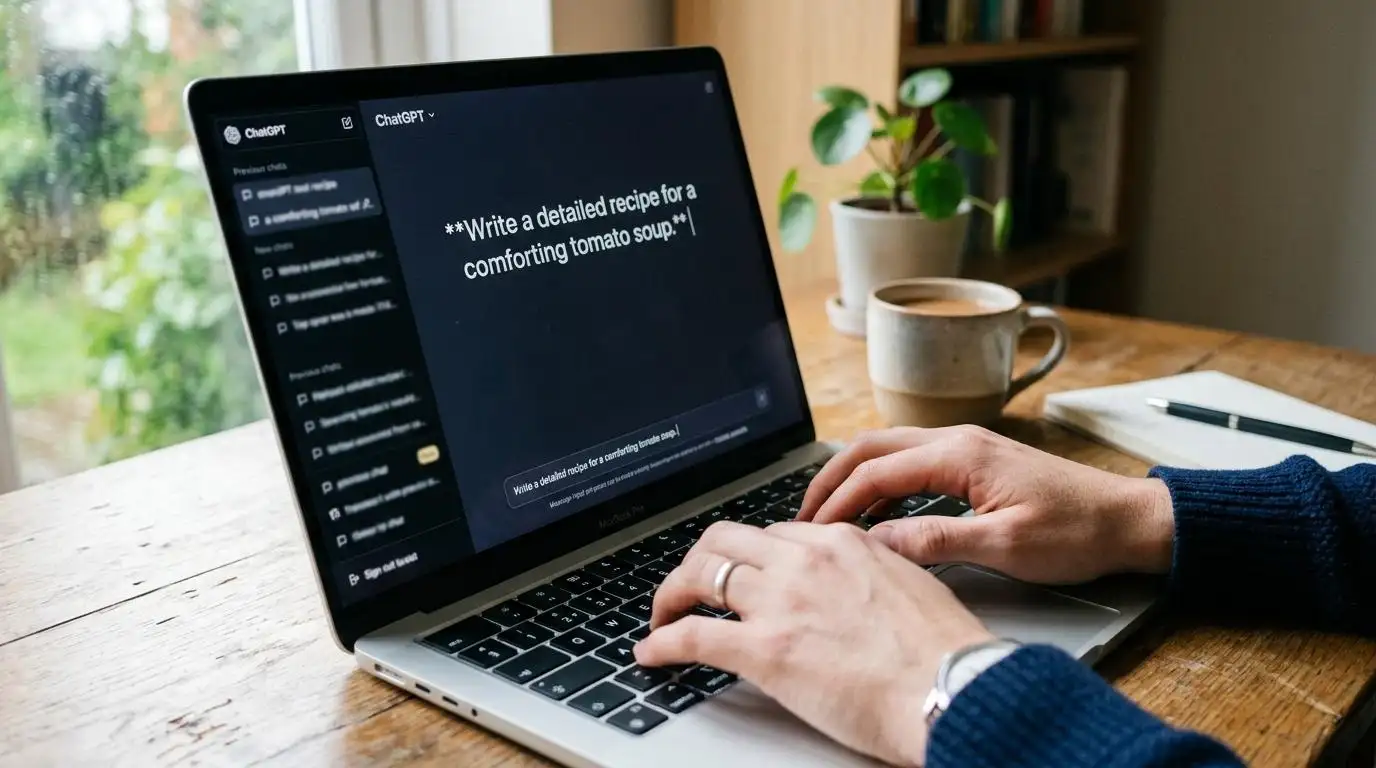
You then copy that prompt into an AI assistant such as ChatGPT, Grok, Gemini or another capable AI service. The AI assistant uses the instructions to prepare your promotional campaign materials.
Here is an important distinction: the generator prepares the prompt, not the finished campaign itself. The AI assistant performs the actual content generation after you paste the prompt.
The tool does not automatically publish posts, send emails, manage your social media accounts or guarantee website traffic.
According to the supplied product information, the prompt is prepared locally in your browser without making AI calls. This means generating the prompt does not use your AI assistant’s usage allowance. AI usage begins when you submit the prompt to your chosen assistant.
The tool is designed to work in a browser without a separate generator account, API key or monthly tool subscription. However, you still need a capable AI assistant, which may have its own costs and usage limits.
Before You Start: What Do You Need?
Before preparing your first campaign, gather the basic materials. Having these ready will help you give the AI assistant clearer instructions.
Your Pre-Campaign Checklist
- My AI Free Traffic Generator was downloaded and saved on your computer.
- Your affiliate offer, product or blog article copy ready.
- A destination URL, such as an affiliate link, blog post or opt-in page.
- Access to a capable AI assistant.
- An AI assistant that can handle the required browsing, image creation and downloadable file tasks.
- Optional product images, logo, brand colours or other supporting materials.
- Active accounts on the platforms where you plan to publish.
- A clear idea of your target audience and campaign objective.
Check your AI plan before starting. Not every AI plan includes browsing, image generation or downloadable file creation. Whether these features are available on a free plan or require a paid subscription should be verified with the AI provider.
How to Use My AI Free Traffic Generator, Step by Step
The product follows a four-step process: choose a promotion, add your content, select publishing platforms and generate a prompt.
Let’s look at each step with practical examples.
Step 1: Choose What You Want to Promote
First, decide which offer or content you want to promote.
The listed promotion options include:
- Opt-in page
- Sales page
- Affiliate offer
- Blog article
- Existing video
For example, imagine you have published a blog post about affiliate marketing for beginners. You want to promote it on Pinterest and Facebook.
In this situation, you would select the blog article promotion option.
If your goal is to collect email subscribers, you could choose an opt-in page. If you are promoting a product through an affiliate link, select the affiliate offer option.
Choose the promotion type that matches your actual campaign objective. This helps keep the instructions relevant to the content you want to create.

Step 2: Paste Your Promotional Copy and Add the Destination Link
Next, paste the relevant source material into the tool.
Depending on your promotion type, this could be:
- Your sales page copy
- A published blog article
- An affiliate product description
- An existing video script
Add your destination link if you have one. This could be your blog URL, opt-in page URL or affiliate destination link.
For example:
| Campaign Detail | Example |
|---|---|
| Promotion type | Blog article |
| Topic | Affiliate marketing for beginners |
| Destination URL | Your published blog article |
| Target audience | Beginner affiliate marketers |
| Main objective | Promote the article. |
The quality of your source material matters. If you provide incomplete or unclear information, the AI assistant may produce promotional content that needs significant editing.
Include accurate product details, relevant benefits and a clear description of your target audience. Avoid adding claims that you cannot verify.
Step 3: Select Your Publishing Platforms
Now choose the platforms where you want to prepare promotional content.
The product lists these platforms:
- YouTube
- TikTok
- X
- Threads
- Snapchat
- Rumble
- Google Search discovery research
- Bing Search discovery research
You can select platforms individually or use the Select All option.
However, selecting every platform is not always the best approach.
Imagine you are a blogger who regularly publishes on Pinterest and Facebook but rarely uses TikTok or Snapchat. Starting with Pinterest and Facebook may be more practical.
The prompt asks the AI assistant to research publishing requirements for the selected platforms. It also requests platform-specific content and guidance.
Remember that AI-generated research should not replace official platform documentation. Check current content formats, advertising policies and publishing requirements before using the material.
Step 4: Generate the Prompt and Use Your AI Assistant
Once your selections are complete, use the Generate Prompt option.
The browser tool combines your promotion details and platform selections into a complete prompt. Copy that prompt and paste it into your chosen AI assistant.
The prompt asks the AI to prepare campaign materials based on your instructions.
According to the product information, the requested output can include:
- Campaign direction and platform research
- Search discovery notes
- Social media hooks and captions
- Complete promotional body copy
- Calls to action and relevant hashtags
- Separate images for image-based posts
- Carousel slides with accompanying captions
- Video titles, descriptions and thumbnail alternatives
- Follow-up emails for opt-in promotions
- Publishing order and platform-specific guidance
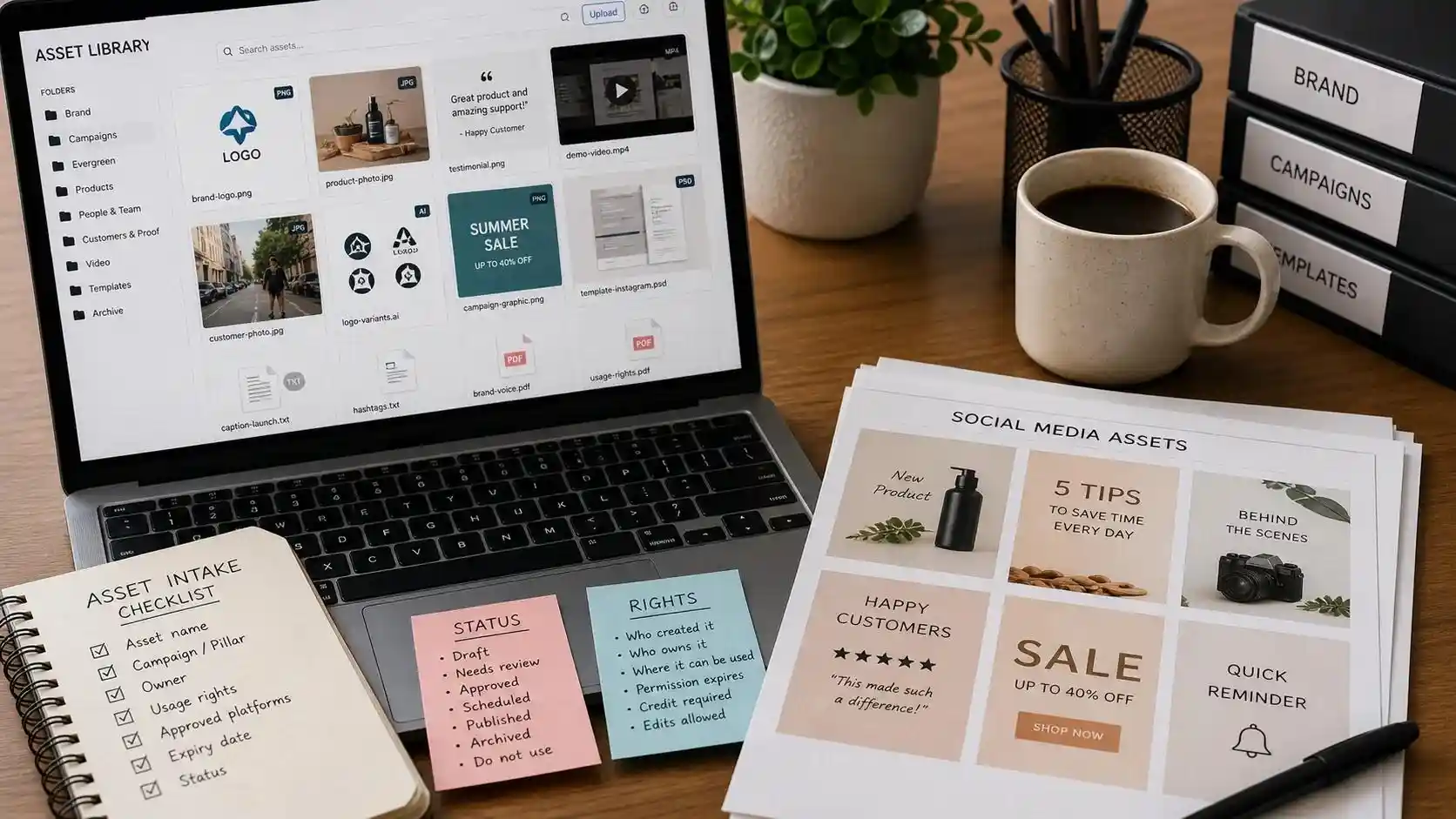
- Organised campaign files
If the AI assistant asks for supporting images, branding or additional materials, provide them if available.
If you do not have any supporting materials, the product instructions say you can enter “No materials” and continue.
After generation, review the content carefully. Check the spelling, product information, links, images, formatting and platform requirements before publishing anything.
Practical Example: Promoting a Blog Article on Pinterest
Suppose you have published a blog post about beginner affiliate marketing, but it is not receiving much traffic.
Here is how you could prepare a Pinterest promotion campaign.
1. Select the promotion type: Choose Blog Article.
2. Add your source content: Paste the article text into the generator.
3. Add your destination. URL: Enter the published blog post link.
4. Select Pinterest: Choose Pinterest as your publishing platform.
5. Generate the prompt: Use the generator to create your campaign prompt and copy it.
6. Submit the prompt to your AI assistant: Paste the prompt into your chosen AI service and follow its instructions.
7. Review the campaign materials: Check the generated Pinterest titles, descriptions, calls to action and images. Make sure they accurately represent your article.
8. Organise and publish: Save the approved content and images in your campaign folder, then publish them through your Pinterest account.
The result you are aiming for is an organised set of promotional materials that you can review and use.
The exact number and quality of items will depend on your selections and the AI assistant. The seller’s example campaign should not be treated as a guaranteed output for every user.
Key Features of My AI Free Traffic Generator
Based on the supplied product information, these are the main features worth understanding.
1. Downloadable Browser-Based Tool
The generator is supplied as an HTML file that you can open in your browser.
According to the product information, you do not need a separate generator login, API key or monthly tool subscription.
2. Multiple Promotion Types
The tool supports several promotional purposes, including affiliate offers, sales pages, opt-in pages, blog articles and existing videos.
This gives users different starting points depending on what they want to promote.
3. Individual Platform Selection
You can choose specific platforms rather than preparing content for every listed platform.
This is useful if you want to focus on the channels where your audience is most likely to find your content.
4. AI Promotional Content Instructions
The generated prompt asks your AI assistant to prepare hooks, captions, promotional copy, calls to action and relevant platform fields.
This makes it possible to request different types of content from one structured prompt.
5. Image and Carousel Instructions
For image-based promotions, the prompt requests separate matching images. It also asks for carousel slides in the correct order when suitable.
The instructions include checks for image dimensions, cropping and readable text.
6. Email Follow-Up Content
For selected opt-in promotions, the prompt requests at least five complete follow-up emails.
These include subject lines, preview text, email body copy and calls to action.
7. Organised Campaign Output
The requested output includes a master ZIP file with folders organised by platform and promotion.
It also requests Word documents for copy and separate image files.
The actual file delivery depends on the capabilities of the AI assistant you use.
Pros and Cons
Before purchasing any marketing tool, consider both its benefits and limitations.
| Pros | Cons |
|---|---|
| Downloadable HTML browser tool | Does not automatically publish content |
| No generator API key required. | Requires a separate capable AI assistant |
| Supports multiple promotion types | AI usage may involve additional costs or limits. |
| Offers individual platform selection | You must publish through your own accounts. |
| Requests social posts, images and emails | Output quality depends on the AI and source copy. |
| Includes a user guide and PLR licence | Exact PLR permissions need checking. |
| Prompt preparation does not make AI calls. | Final content still needs manual review. |
The main advantage is the structured campaign preparation workflow. However, it should not be confused with an automatic traffic or social media publishing service.
View Official Product DetailsPricing and Hidden Costs
According to the supplied sales information, My AI Free Traffic Generator is listed at $47 for instant access.
The main purchase includes:
- The browser-based generator
- A user guide
- A PLR licence
There is also an optional $9 PLR Marketing Pack offered as a checkout upgrade.
| Item | Listed Price | What’s Included |
|---|---|---|
| My AI Free Traffic Generator | $47 | Browser tool, user guide and PLR licence |
| PLR Marketing Pack | $9 | Optional promotional and rebranding materials |
Prices and checkout offers can change, so confirm the current details on the official page before purchasing.
Check Latest Price – Get Instant AccessWhat Other Costs Should You Consider?
1. AI Assistant Subscription
The generator prepares the prompt, but the actual campaign materials are created by your AI assistant.
You need an assistant capable of handling the tasks requested in the prompt. Some services may require a paid plan for particular features.
Whether the required browsing, image generation and downloadable file features work on free AI plans is.
2. AI Usage Limits
Large campaign requests may use a significant amount of your AI assistant’s available usage.
Exact limits depend on the AI provider and the plan you use.
3. Time for Review and Publishing
Generated content is not automatically ready to publish.
You will need time to check captions, images, emails, destination links and platform requirements. You must also publish the materials through your own accounts.
4. Refund and Support Details
The supplied product information does not specify the refund policy, support availability or update schedule.
Check these details before buying:
- Refund or money-back policy:
- Customer support availability:
- Tool update policy and version:
Common Mistakes to Avoid
An organised prompt can help with campaign preparation, but your inputs and decisions still matter.
Here are some mistakes to avoid.
1. Providing Weak Source Copy
If you paste incomplete product information, the AI assistant may create generic or inaccurate promotional content.
Provide clear details about your offer, audience, benefits and destination page.
2. Publishing Without Reviewing
Never assume that everything generated by AI is accurate.
Check product names, claims, spelling, links, image quality and formatting before publishing.
3. Expecting Automatic Publishing
The tool does not publish your campaign for you.
It prepares the prompt, and your AI assistant generates the requested materials. You must publish them through your own accounts.
4. Selecting Every Platform Without a Plan
Selecting all available platforms may produce a large amount of content that you cannot realistically publish.
Choose platforms where you already have an audience or where you can commit to regular publishing.
5. Treating Campaign Output as Guaranteed Traffic
Creating promotional materials does not guarantee visitors, subscribers or sales.
Your results depend on your offer, content quality, audience, platform activity and publishing effort.
6. Ignoring Platform Requirements
AI-generated research may not always reflect the latest publishing rules.
Check the current requirements and policies of each platform before using the generated content.
Who Is It Best For and Who Should Skip It?
Who May Find It Useful?
Beginner Affiliate Marketers
If you promote affiliate offers and need promotional copy for multiple platforms, the structured prompt workflow may be worth considering.
Bloggers
Bloggers can use the workflow to request social media content and promotional images for existing articles.
PLR Sellers
The included PLR licence is intended to allow rebranding and resale under its stated permissions. Sellers should read the full license before offering a branded version to customers.
List Builders
The opt-in promotion workflow requests follow-up email content, which may help prepare an email sequence for review.
Digital Product Creators
Creators promoting courses, downloads, templates or other digital products may find the multiple-promotion workflow useful.
Who Should Skip It?
This tool may not be suitable for people who:
- Expect automatic social media publishing.
- Do not have access to a capable AI assistant.
- Want guaranteed website traffic or sales.
- Prefer not to review AI-generated content.
- Want a completely automated marketing system.
- Intend to resell the tool without checking the PLR licence.
If you only need one caption or a short product description, a simple AI prompt may be enough. The generator is intended for broader campaign preparation.
Alternatives and Comparison
There are several ways to prepare promotional campaigns. My AI Free Traffic Generator is one option, but it is worth comparing with simpler approaches.
| Method | Main Purpose | Possible Limitation |
|---|---|---|
| Manual content creation | Write posts, emails and images yourself. | Requires more manual planning and work |
| Plain ChatGPT prompts | Generate individual marketing materials. | You may need to create and organise separate prompts. |
| My AI Free Traffic Generator | Prepare a structured prompt for multiple campaign types and platforms. | Requires an AI assistant and manual publishing |
| Other PLR tools | Use or customise existing PLR materials | Permissions, quality and features vary |
| Other traffic tools | Support different traffic-related marketing tasks. | Features, pricing and traffic methods vary |
No single approach is right for everyone.
If you only need occasional promotional content, manual creation or a simple AI prompt may be sufficient.
However, if you want to prepare multiple types of campaign materials using one structured prompt, this generator may be worth comparing with your existing workflow.
My Verdict: Is My AI Free Traffic Generator Worth Considering?
My AI Free Traffic Generator offers a structured way to prepare promotional campaign instructions for an AI assistant.
Its listed features include multiple promotion types, platform selection, social media content instructions, image and carousel requests, email sequences and organised campaign output.
The main limitation is that it does not generate traffic or publish content by itself. You need a capable AI assistant to create the materials, and you remain responsible for reviewing and publishing everything.
The quality of the final campaign also depends on the source copy you provide and the capabilities of your chosen AI service.
Editorial Rating: 3.5/5
This rating is my editorial assessment of the listed features and workflow. It is not based on hands-on testing, verified customer reviews or measured traffic results.
I would consider this tool for marketers who want a structured campaign preparation process and are comfortable using AI-generated content as a starting point.
I would not recommend buying it with the expectation of automatic traffic, guaranteed clicks or guaranteed sales.
Get My AI Free Traffic GeneratorBonus Offer: Optional $9 PLR Marketing Pack
The checkout also lists a PLR Marketing Pack as an optional $9 upgrade.
This is a paid add-on, not a free bonus included automatically with the main purchase.
According to the supplied information, the pack includes:
- 1 sales letter in Word and PDF formats
- 1 HTML sales page
- 1 HTML download page
- 6 promotional emails
- 25 social media posts
- 5 short-video scripts
- Cover and graphics
- Tool screenshot excerpts
- AI rebranding guide with step-by-step instructions
This add-on may be relevant if you want additional promotional and rebranding materials.
However, before reselling or modifying anything, read the included PLR license carefully. The exact permissions and restrictions should be confirmed rather than assumed.
Frequently Asked Questions
Q1. What comes with my AI free traffic generator?
Ans. The main purchase includes a downloadable browser-based HTML generator, a user guide and a PLR license. The generator prepares a prompt that you can use with your AI assistant. Check the official purchase page for the current access and download instructions.
Q2. Can I rebrand and sell the AI Free Traffic Generator?
Ans. The product information says you can rebrand and sell the tool under the stated PLR permissions. However, the exact resale conditions, restrictions and permitted modifications are not fully specified in the available information. Read the included license carefully before offering your branded version for sale.
Q3. Do I need an API key or a separate tool account?
Ans. According to the product information, the browser-based generator does not require an API key or a separate generator account. However, you still need a capable AI assistant to create your campaign materials. That AI service may have its own account requirements, subscription costs and usage limits.
Q4. Does it work only with ChatGPT?
Ans. No. The product information mentions ChatGPT, Grok, Gemini and other capable AI assistants. The important requirement is that your chosen assistant can handle the browsing, image creation and downloadable file tasks requested in the prompt. Check compatibility and feature availability before starting.
Q5. Will every campaign contain 195 promotional items?
Ans. No. The seller’s example campaign reportedly produced 195 items, but the sales information says output varies depending on your selections and the AI assistant. The example should not be treated as a guaranteed quantity or expected result for every user.
Q6. What if I do not have images or supporting materials?
Ans. The product instructions say that if your AI assistant asks for supporting images, branding or additional materials and you have none, you can enter “No materials” and continue. The assistant can then work with the information available in your prompt, although the final output may vary.
Q7. Does the tool publish my campaign automatically?
Ans. No. The generator prepares a prompt, and your AI assistant creates the requested campaign materials. You must review the content and publish it through your own social media, website or email accounts. It should not be considered an automatic posting service or a guaranteed traffic solution.
Q8. Can I use it for more than one offer?
Ans. The product supports multiple promotion types, but the exact conditions for using it with multiple offers or repeated campaigns are not specified in the available information. Check the included licence and product terms before purchasing if multiple-offer usage is important to you.


