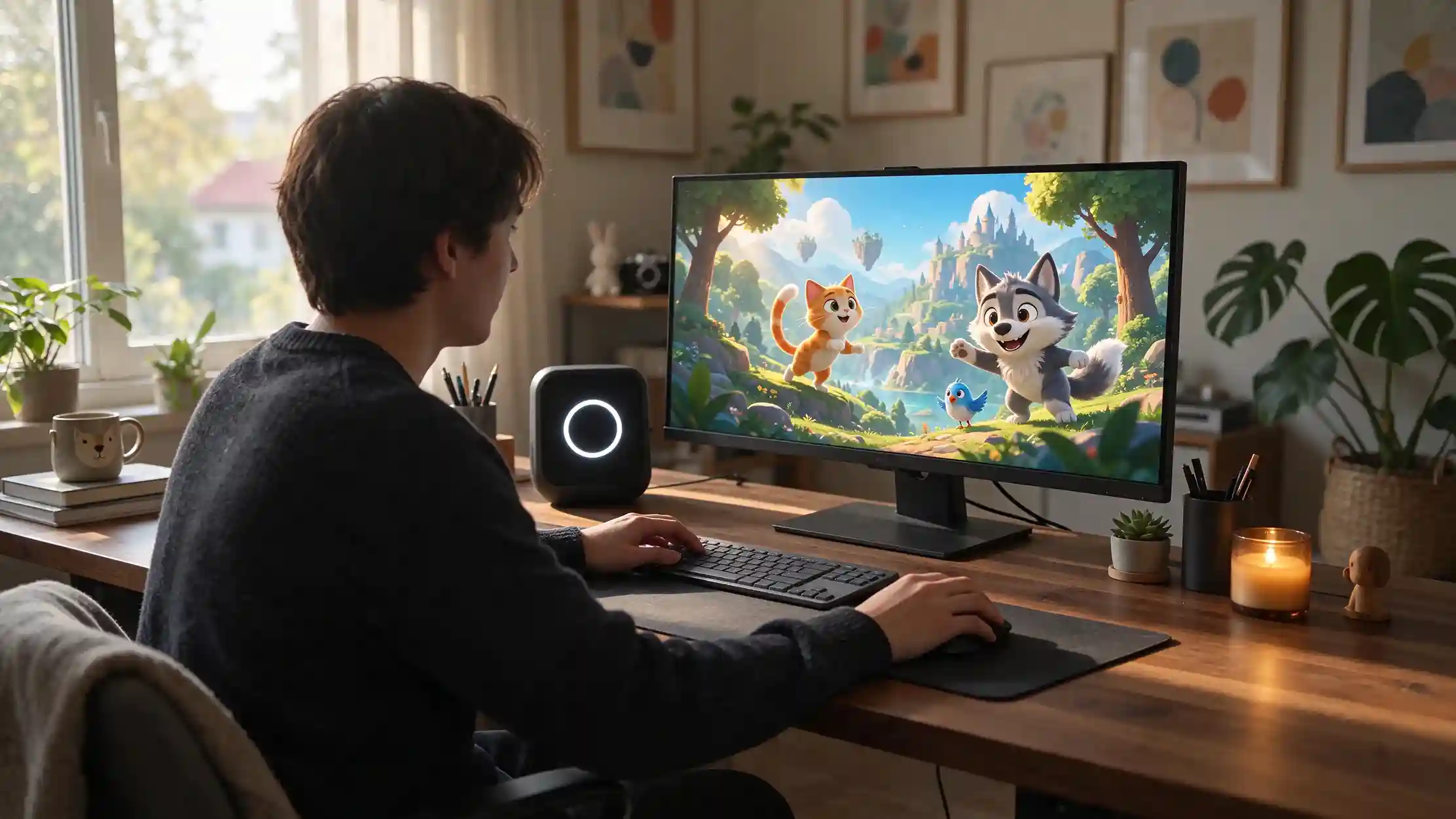
What If You Could Create Cartoon Videos Through Chat?
Creating cartoon videos usually involves several separate tasks. You need a story, characters, scenes, voiceovers, animation and a finished video.
For beginners, managing all these steps can become confusing, especially when you are unfamiliar with video editing software.
But what if you could manage much of this process by chatting with an AI assistant?
That’s the idea behind RocketToons Agent, a feature included in the RocketToons Complete Bundle. According to its official sales page, the Agent allows users to control RocketToons through ChatGPT, Claude, Gemini, Cursor and other MCP-ready AI agents.
Instead of managing every production step separately inside an editor, you can use a chat-based workflow to request scripts, design characters, build storyboards and render video content.
This guide explains how to make cartoon videos with ChatGPT using RocketToons Agent, what the Agent claims to do, how the workflow is described and what you should check before purchasing.
Quick Summary
- Product: RocketToons Complete Bundle, which includes six AI cartoon and video products.
- Main Focus: RocketToons Agent, designed to control RocketToons through compatible AI assistants.
- Listed Price: $347 one-time payment, according to the sales page viewed on November 26, 2026. Check the official page to confirm.
- Best For: Creators who want to manage cartoon video production through a chat-based workflow.
- Rating: Not rated (no hands-on testing). There is no independent product testing behind this article, so assigning a numerical rating would be misleading.
What Is RocketToons Agent (and the Complete Bundle)?
RocketToons Agent is one of six products included in the RocketToons Complete Bundle.
Its main purpose is to let users control the RocketToons platform through supported AI assistants instead of relying entirely on direct interaction with the video editor.
The sales page lists ChatGPT, Claude, Gemini, Cursor and other MCP-ready agents as supported integrations.
For example, imagine you want to create a short cartoon about a kitten who becomes a superhero.
You could use the chat-based workflow to request a story, develop the kitten character, organise scenes into a storyboard and ask the agent to render the required clips.
The agent is described as the connection between your AI assistant and RocketToons’ video creation features.
What does ‘MCP-ready agent’ mean?
General explanation (not a product-specific claim): MCP stands for Model Context Protocol, a standard that allows compatible AI applications to connect with external tools and services.
The important distinction is that RocketToons Agent is advertised as the tool-control layer. The sales page does not provide complete connection instructions.
If you want to explore the complete collection of tools, visit the RocketToons Complete Bundle.
How to Make Cartoon Videos With ChatGPT or Claude Using RocketToons Agent
The following workflow follows the agent capabilities described on the sales page. It is not a verified installation tutorial.
Step 1: Connect Your AI Agent to RocketToons
The first step is connecting a compatible AI assistant to RocketToons Agent.
The sales page identifies ChatGPT, Claude, Gemini, Cursor and other MCP-ready agents as supported options.
Once connected, the advertised workflow allows you to send requests through your preferred assistant.
For example, you might choose ChatGPT for a children’s cartoon project or use Claude to organise a longer storytelling idea.
However, the exact connection process is not explained in the available product information.
Step 2: Ask the AI Agent to Write Your Cartoon Script
A cartoon needs a story before it needs animation.
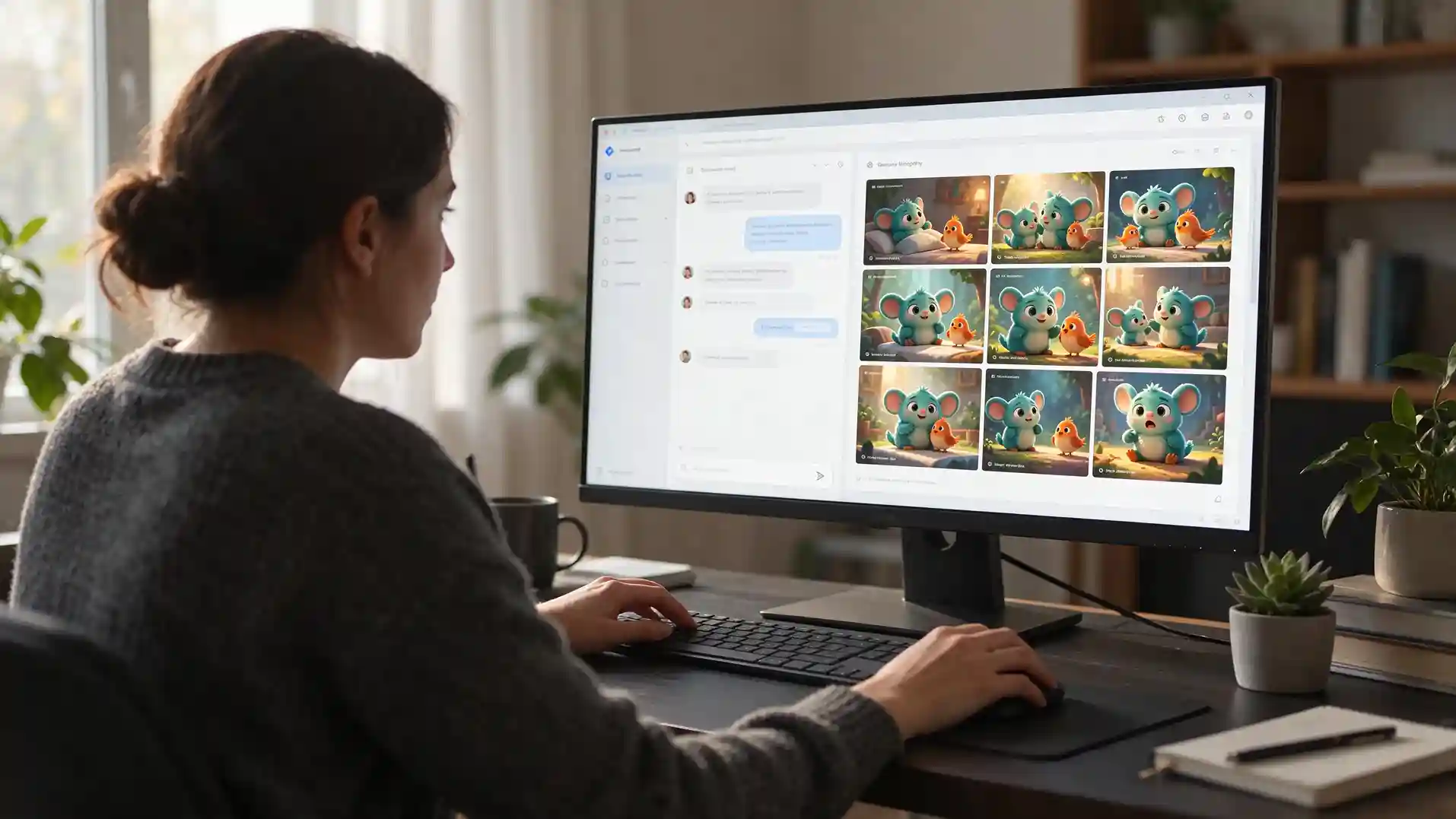
According to the sales page, RocketToons Agent can automatically write complete scripts and stories through chat.
You can start with a simple creative idea.
For example:
“Create a short cartoon story about a kitten who discovers a magical garden and helps the animals living there.”
This is an example idea, not an official RocketToons command.
The advertised agent workflow can turn a story request into a script that forms the starting point for your video.
This could be useful for creators who struggle with writing dialogue or organising a story into scenes.
Step 3: Design Characters, Locations and Props
Once the story is ready, the next step is preparing its visual elements.
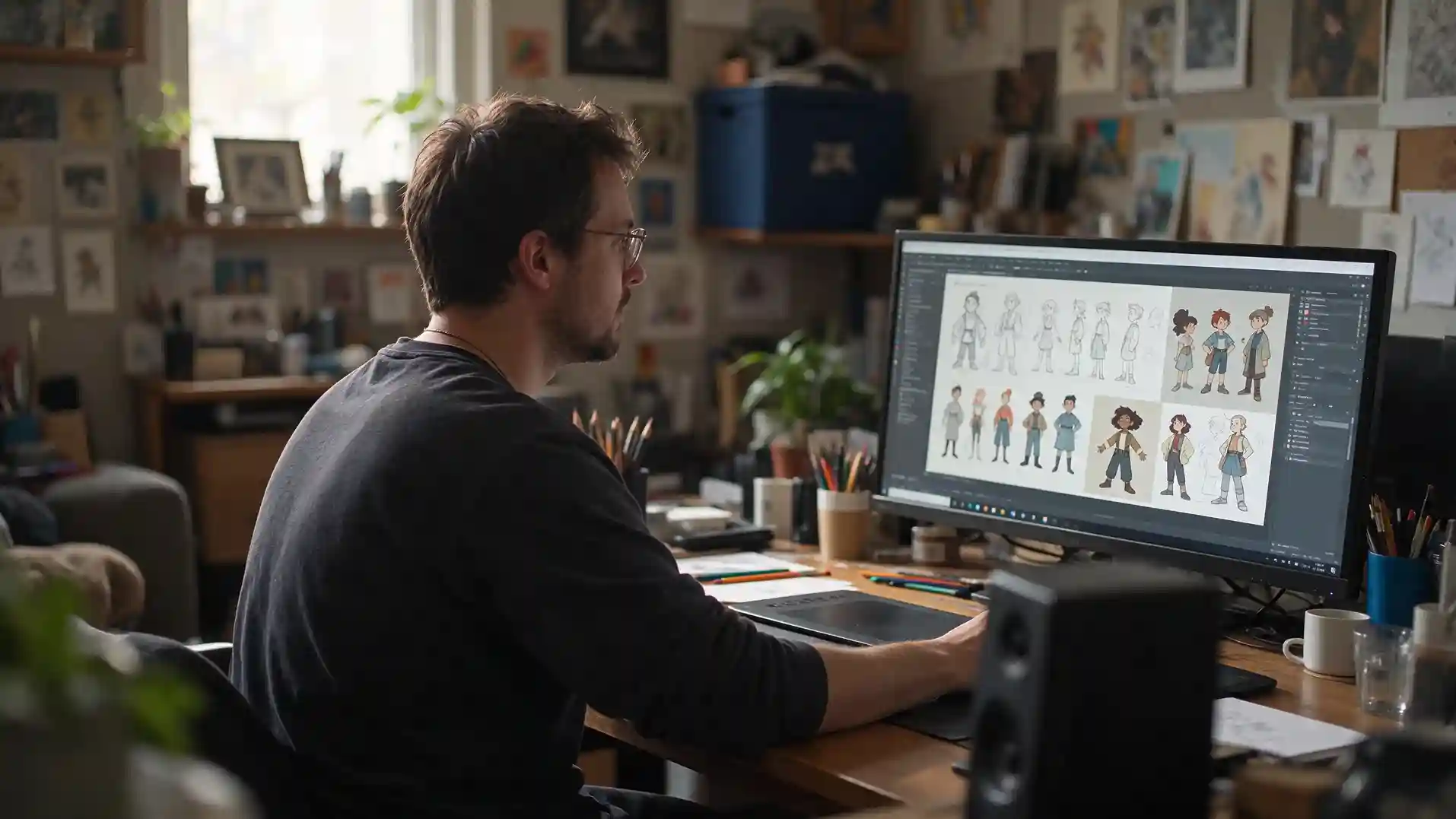
The sales page says RocketToons Agent can design characters, locations and props through chat.
For example, a cartoon about a kitten superhero might need:
- A main kitten character.
- A superhero costume.
- A colourful city setting.
- A magical object.
- Supporting animal characters.
Character consistency is particularly relevant when creating multiple scenes.
The RocketToons front-end product advertises character consistency across scenes, while the Agent is described as allowing character design through chat.
Step 4: Build Your Storyboard Through Chat
A storyboard helps organise the story visually before the final animation is produced.
According to the sales page, RocketToons Agent can build and edit storyboards directly through chat.
Instead of treating your cartoon as one long video, you can organise it into individual scenes.
For example:
- Scene 1: The kitten discovers a mysterious garden.
- Scene 2: A magical butterfly appears.
- Scene 3: The kitten meets the garden animals.
- Scene 4: The animals work together to solve a problem.
- Scene 5: The story reaches its ending.
These are illustrative scene ideas, not official commands.
The advertised workflow also includes writing scene-by-scene clip prompts.
This gives you a way to organise the visual direction of your cartoon before requesting rendering.

Step 5: Review the Credit Quote Before Approving
This is one of the most important steps to understand before using the agent.
The sales page says RocketToons Agent provides an exact credit quote and asks for approval before starting each job.
The page illustrates this with a 240-credit quote that the user can approve.
That matters because AI video creation can involve multiple production tasks, and you should understand the expected credit usage before authorising them.
However, the example does not establish the standard cost of creating a complete cartoon.
Do not assume every video will cost 240 credits.
Step 6: Render Your Cartoon Clips and Storyboard Shots
After approving the quoted credits, the sales page says the agent can render clips and storyboard shots on command.
This is where the chat-based workflow moves from planning to video production.
You can request the rendering of the scenes you have prepared.
The idea is to manage production requests through your AI assistant rather than opening the editor for every individual task.
Actual rendering speed and finished video quality are not independently verified.
Step 7: Switch Takes Without Opening the Editor
Sometimes a particular scene may need another version.
According to the sales page, RocketToons Agent allows users to switch takes through chat without opening the editor.
The front-end product also advertises keeping the last six takes per shot.
This could be useful when a creator wants to compare different versions of a scene.
For example, you might want to review an alternative version of the kitten’s introduction before deciding which take belongs in the final cartoon.
Step 8: Export Your Film and Schedule Posts
Once the cartoon is ready, the agent is advertised as supporting film exports and post scheduling through chat.
The front-end product lists exports in 16:9, 9:16 and 1:1 formats.
It also advertises one-click posting to Facebook, Instagram, YouTube and LinkedIn.
The Elite product adds features such as batch publishing and a content calendar.
Remember that platform integrations and publishing capabilities may have their own restrictions.
Before publishing, review your finished cartoon, dialogue, captions and audio.
Key Features of RocketToons Agent
The main attraction is the ability to manage multiple production activities through an AI assistant.
According to the sales page, the agent offers:
1. Script and Story Creation
Automatically write complete scripts and stories through chat.
2. Character and Prop Design
Create characters, locations and props as part of the production workflow.
3. Storyboard Management
Build and edit storyboards through your AI assistant.
4. Scene-by-Scene Clip Prompts
Write prompts for individual scenes instead of treating the entire cartoon as one request.
5. Video Rendering
Render clips and storyboard shots through chat.
6. Take Management
Switch between takes without opening the editor.
7. Export and Scheduling
Export films and schedule posts through chat.
8. Credit Approval
Receive a credit quote and check it before approving a job.
What Else Is Included in the Complete Bundle?
Apart from the agent, the bundle contains five additional products.
| Product | Main Purpose |
|---|---|
| Commercial (Front End) | Creates cartoon films from prompts or scripts, with characters, voices, styles and commercial licensing. |
| Elite | Adds bonus credits, extended film limits, content scheduling and channel analytics. |
| Pro | Adds advanced video and image quality, cinematic styles, voiceover tools and timeline editing. |
| Studio | Creates short clips, photo animations, product video ads and other short-form content. |
| Reseller | Provides a dashboard for managing and selling client accounts, subject to its licence terms. |
These products serve different parts of cartoon and video production. The agent remains the focus of this guide.
Pros and Cons of RocketToons Agent
Before buying any AI video tool, consider both its advertised capabilities and its limitations.
| Pros | Cons |
|---|---|
| Chat-based control of RocketToons is advertised. | The connection and setup instructions are not provided. |
| Supports several named AI assistants. | A paid AI assistant plan may be required; this is unconfirmed. |
| Script and story creation through chat. | Script and rendering credit costs are not fully specified. |
| Character, location and prop design. | Character consistency through every agent workflow needs verification. |
| Storyboard creation and editing through chat. | Finished cartoon quality has not been independently tested. |
| Credit quotes before job approval. | The total cost of a complete project cannot be calculated from the available information. |
| Export and scheduling features are advertised. | Platform integration limits need checking. |
The biggest advantage on paper is the ability to manage different production tasks through one chat-based workflow.
The biggest concern is the lack of detailed setup and credit information.
Pricing and Hidden Costs
According to the sales page viewed on November 26, 2026, the RocketToons Complete Bundle is listed at:
$347 one-time payment
The page advertises no monthly fees, a stated total value of $1,821 and an 81% discount.
It also lists coupon code TOON50, which is advertised as providing $50 off.
These are sales-page claims, not independently verified current prices. Check the official page to confirm the final checkout amount, coupon validity and terms.
What About Credits?
The bundle page advertises 6,000 credits compared with 3,500 credits when purchasing the products separately.
However, the exact credit consumption for each agent task is not stated.
You should check the cost of scripts, storyboards, clips, full films and revisions before starting a larger project.
Do You Need a Paid ChatGPT or Claude Plan?
The sales page lists several compatible AI assistants but does not explain their subscription requirements.
Include this possible additional expense in your budget until confirmed.
What About the Licences?
The front-end product advertises a commercial licence.
The reseller product separately advertises a reseller licence.
However, the exact rights, restrictions and permitted commercial activities are not provided in the supplied information.
Do not assume these licences provide identical permissions.
Storage and Refund Policy
The bundle page advertises permanent storage for as long as your account remains active.
It also advertises a 30-day money-back guarantee. According to the page, buyers should email support within 30 days for a full refund, with refunds handled by JVZoo.
Who Is RocketToons Agent Best For, and Who Should Skip It?
Who May Find It Useful?
Beginner Faceless YouTube Creators
If you want to develop cartoon stories without appearing on camera, the chat-based workflow may be worth exploring.
Social Media Creators
The advertised vertical, square and widescreen exports may suit creators producing different content formats.
Freelancers
The script, storyboard and rendering workflow may be useful when developing cartoon video projects for clients.
Small Business Owners
The bundle includes product video and advertising-related features that may be relevant to businesses looking for cartoon-style promotional content.
Who Should Skip It?
Consider skipping it if:
- You already have a video production workflow that meets your needs.
- You are not comfortable learning a new integration process.
- You need guaranteed output quality before purchasing.
- You cannot estimate your ongoing credit requirements.
- You do not want to manage AI-generated content and review it before publishing.
- You expect the reseller product to provide clients automatically.
Remember, the reseller product requires you to find and manage your own customers.
Alternatives / Comparison: Which Cartoon Video Workflow Makes Sense?
RocketToons Agent is not the only way to approach cartoon video production.
Here are three different approaches worth considering.
| Approach | How It Works | Main Advantage | Limitation |
|---|---|---|---|
| RocketToons Agent | Manage scripts, characters, storyboards and rendering through a compatible AI assistant. | Chat-based production workflow. | Setup, credits and output quality need verification. |
| RocketToons Editor Directly | Use the RocketToons video creation products through their editor. | Direct access to the advertised editing and production features. | Requires working directly with the editor. |
| Chat Assistant + Separate Video Tools | Use an AI assistant for ideas and scripts, then move content into separate video tools. | Flexible choice of tools. | Multiple tools and workflows may need management. |
| Hire a Freelancer | Pay a video creator to handle cartoon production. | You can delegate production work. | Pricing, revisions and delivery depend on the freelancer. |
Which Approach Should You Choose?
If your main interest is controlling cartoon production through conversation, RocketToons Agent is the approach to investigate.
If you prefer working directly with editing controls, the RocketToons editor may be more suitable.
If you want to choose different tools for different production stages, a separate-tool workflow gives you more flexibility.
Hiring a freelancer is another option if you do not want to handle the production process yourself.
My Verdict: Is RocketToons Agent Worth Exploring?
RocketToons Agent offers an interesting approach to AI cartoon video creation.
Its main selling point is not simply generating an animated video. It is the advertised ability to manage several production stages through ChatGPT, Claude, Gemini and other compatible AI agents.
Script writing, character design, storyboard management, clip prompts, rendering, take switching and exporting are all included in its advertised chat-based workflow.
The Complete Bundle also includes five other products, additional credits and several bonuses.
However, there are questions that should not be ignored.
The sales page does not provide complete connection instructions, detailed credit consumption or confirmed AI assistant subscription requirements. Finished cartoon quality has also not been independently verified.
The licence terms should be reviewed carefully, particularly if you intend to produce content for paying clients.
Rating: Not rated (no hands-on testing).
This product is not given a numerical rating because there has been no personal testing or independent quality assessment. The available information comes from the official sales page.
For creators interested in managing cartoon production through an AI assistant, it may be worth examining the features and terms before making a purchasing decision.
You can check the RocketToons Complete Bundle for the current offer, product details and checkout conditions.
Bonus Offer
The Complete Bundle also advertises a Founders’ Pass, permanent storage while the account remains active, 10 team seats, 6,000 credits and four bonuses: Kids Channel Starter Pack, Bible Story Script Vault, Viral Shorts Prompt Library and a Live Agency Training Call. The page also claims future upgrades for 12 months at no additional charge. These bonuses and extras have not been independently tested.
Frequently Asked Questions
Q1. Can You Make Cartoon Videos With ChatGPT Using RocketToons?
Ans. According to the RocketToons sales page, yes. Its agent is designed to control RocketToons through ChatGPT and other compatible AI assistants. The advertised workflow includes script writing, character design, storyboards, clip rendering and exporting. However, the connection process and account requirements should be verified before purchasing.
Q2. What Is RocketToons Agent?
Ans. RocketToons Agent is a chat-based control feature included in the Complete Bundle. It is advertised as working with ChatGPT, Claude, Gemini, Cursor and other MCP-ready AI agents. Its purpose is to let users manage different RocketToons production tasks through conversation rather than relying entirely on the editor.
Q3. Do I Need ChatGPT Plus to Use RocketToons Agent?
Ans. The available sales-page information does not confirm whether a paid ChatGPT subscription is required. It identifies ChatGPT as a supported assistant but does not explain account eligibility or subscription requirements. Check the official setup documentation before buying.
Q4. Can RocketToons Agent Create Cartoon Scripts and Storyboards?
Ans. Yes, these are advertised agent capabilities. The sales page says users can request complete scripts and stories, design characters and props, and build or edit storyboards through chat. It also describes scene-by-scene clip prompts. Actual output quality and creative control have not been independently tested.
Q5. How Many Credits Does RocketToons Agent Use?
Ans. The exact credit cost depends on the task, but a complete pricing breakdown is not provided in the available information. The sales page demonstrates a 240-credit quote requiring approval. The Complete Bundle advertises 6,000 credits. Check the quoted cost of each job before approving it.
Q6. Does the RocketToons Complete Bundle Have a Monthly Fee?
Ans. The sales page advertises the Complete Bundle at a one-time payment of $347 with no monthly fees. It also describes a Founders’ Pass with future upgrades. However, buyers should verify the current checkout price, included services and any separate third-party subscription requirements before purchasing.
Q7. Can I Use RocketToons Cartoon Videos for Commercial Projects?
Ans. The front-end product advertises a commercial licence, while the reseller product includes a separate reseller licence. However, the complete permissions and restrictions are not specified in the available information. Read the actual licence documents before using generated videos for client projects, advertising or other commercial activities.
Q8. Does RocketToons Offer a Money-Back Guarantee?
Ans. According to the sales page, the RocketToons Complete Bundle comes with a 30-day money-back guarantee. The page instructs customers to email support within 30 days for a full refund, with refunds handled by JVZoo. Review the official refund terms and applicable conditions before purchasing.


