
Running SEO, ads, and email campaigns without proper analytics is like driving with your eyes closed, you might be moving, but you have no idea in which direction. A correct Google Analytics 4 setup is what turns every other guide on this site, SEO, Google Ads, Meta Ads, email, into something you can actually measure.
We’ve referenced GA4 across our conversion rate optimization guide, our AI search optimization guide, and our influencer marketing guide, this is the dedicated setup walkthrough that makes all of that tracking possible.
Why a Proper GA4 Setup Matters
Google Analytics 4 replaced the old Universal Analytics entirely, and it works on an event-based model rather than sessions and pageviews alone, which means the default setup often misses the specific actions that actually matter to a small business.
Without configuring conversions and channels properly, you’ll see traffic numbers, but you won’t be able to answer the question that actually matters: which channel is bringing in leads and sales.
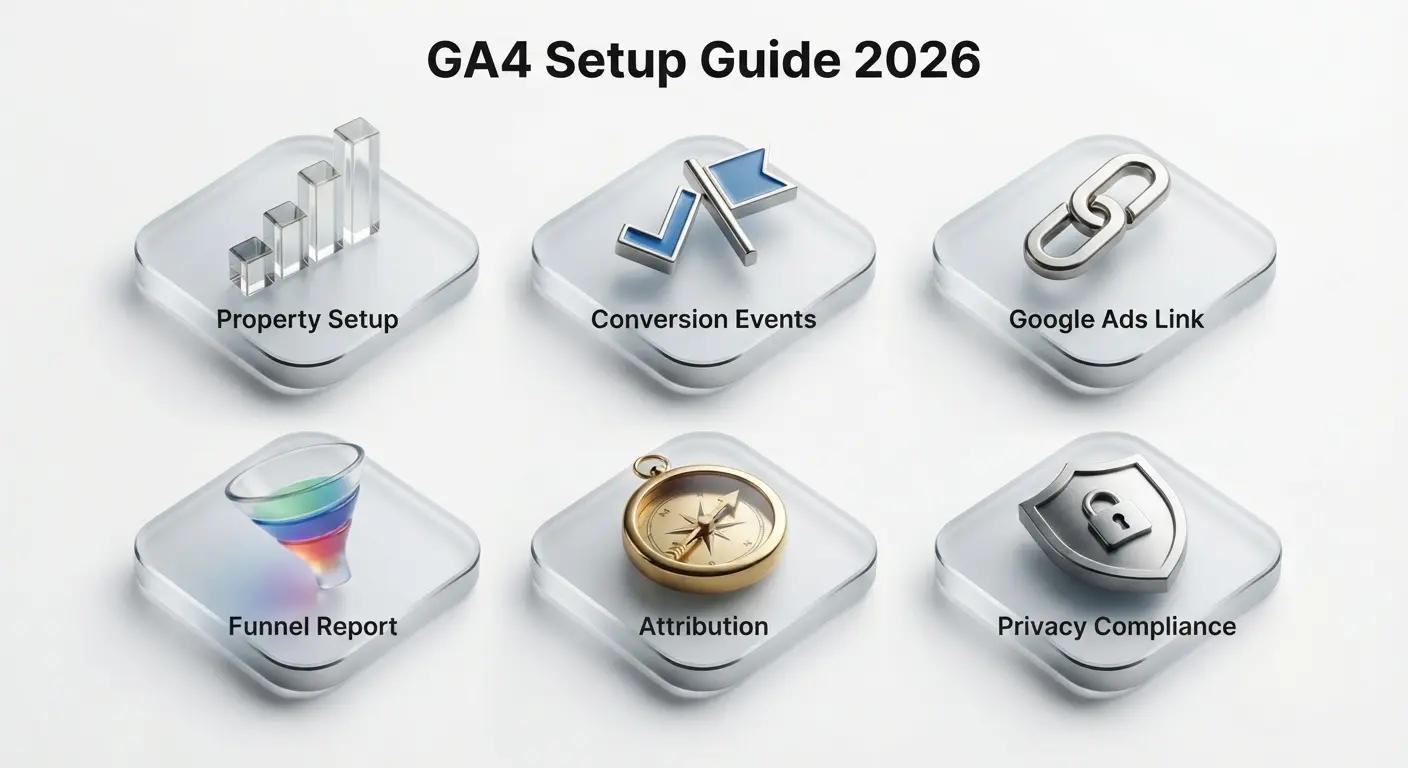
1. Creating Your GA4 Property Correctly
A messy or duplicate property setup causes split data and confusing reports down the line, so it’s worth getting right from the very first step.
What to do: Create one GA4 property per website or app rather than mixing multiple domains into one, set your correct time zone and currency during setup since these can’t easily be changed later, and add the GA4 tracking code through Google Tag Manager rather than pasting it directly into your theme, for easier future changes.
2. Setting Up Conversion Events That Actually Matter
GA4 automatically tracks some events, but the ones that actually represent a lead or sale for your business almost always need to be set up manually.
What to do: Mark form submissions, phone number clicks, and checkout completions as key events in GA4, use Google Tag Manager to fire these events without needing a developer for every change, and avoid marking too many events as conversions, or the reports lose their meaning.
3. Connecting Google Ads and Search Console
GA4 becomes far more useful once it’s linked to the tools generating your traffic, otherwise you’re stuck comparing numbers manually across three different dashboards.
What to do: Link your Google Ads account to import conversion data automatically, connect Search Console to see which queries drive organic landing page traffic, and check that your Meta Pixel and GA4 events broadly agree on conversion counts, since some mismatch is normal but large gaps signal a tracking problem.
4. Building a Simple Funnel Report
A funnel report shows exactly where visitors drop off between key steps, which is the foundation of the conversion rate optimization work covered in our CRO guide.
What to do: Build a funnel exploration with your actual steps (landing page, product or service page, form or checkout), check drop-off percentages at each stage rather than just the final conversion number, and segment the funnel by traffic source to see which channels convert best.
5. Understanding Attribution Without Overcomplicating It
Most customers touch multiple channels before converting, and GA4’s default attribution model can make one channel look far more or less valuable than it actually is.
What to do: Use the data-driven attribution model GA4 defaults to rather than switching to last-click unless you have a specific reason, review the “Advertising” section to compare attribution models side by side, and treat attribution as directional guidance rather than an exact science.
6. Staying Compliant with Privacy Rules
Tracking without proper consent creates legal risk depending on your audience’s location, and this has only gotten stricter as privacy regulations expand.
What to do: Implement a proper cookie consent banner that actually blocks tracking until consent is given where required, enable Google’s Consent Mode so GA4 adjusts its data collection based on user consent, and avoid tracking personally identifiable information directly inside GA4 event parameters. According to Google’s own Consent Mode documentation, this setup helps maintain measurement accuracy while respecting user consent choices.
Frequently Asked Questions About GA4 Setup
Is Google Analytics 4 free to use?
Yes, GA4 is free for the vast majority of small and medium businesses. A paid version, Google Analytics 360, exists, but it’s built for large enterprises with very high traffic volumes and advanced data needs.
Do I need Google Tag Manager to use GA4?
Not strictly, you can paste the GA4 tracking code directly into your site. But Google Tag Manager makes it far easier to add and update tracking (like conversion events) later without editing your website’s code each time.
How many events should I mark as key conversions?
Usually just three to five that represent a real business outcome, like a form submission, a phone click, or a completed purchase. Marking too many events as conversions makes it hard to tell what actually matters in your reports.
Why don’t my Google Ads and GA4 numbers match exactly?
Small discrepancies are normal because Google Ads and GA4 use slightly different attribution windows and tracking methods. A small gap is expected, but a large, consistent gap usually points to a tracking setup issue worth investigating.
GA4 Setup Checklist
Here’s the complete GA4 setup checklist for 2026, everything covered in this guide in one place:
- Create one clean GA4 property per website via Google Tag Manager
- Mark only real conversions as key events
- Link Google Ads and Search Console to GA4
- Build a funnel report segmented by traffic source
- Use data-driven attribution rather than last-click by default
- Set up a compliant cookie consent banner and Consent Mode
Also read: Conversion Rate Optimization Guide 2026
Also read: AI Search Optimization (GEO) Guide 2026
The Bottom Line
A correct GA4 setup for 2026 isn’t a one-time task, it’s the measurement layer underneath everything else on this site, SEO, ads, email, and CRO, all become guesswork without it configured properly.
Start with clean conversion events and a linked Google Ads account, that alone answers most of the “is this actually working” questions small businesses have.
Need your analytics set up correctly? AmanTPoint helps small businesses configure GA4, conversions, and reporting so decisions are based on real data, not guesswork.


