
Schema markup is the extra code that tells Google and AI tools exactly what your content means, not just what it says. Two pages can say the same thing, but the one with proper schema is far more likely to show up as a rich result, a star rating, an FAQ dropdown, or get cited directly inside an AI answer.
We’ve mentioned schema across our AI search optimization guide, our e-commerce SEO guide, and our YouTube SEO guide , this is the dedicated walkthrough on implementing it correctly.
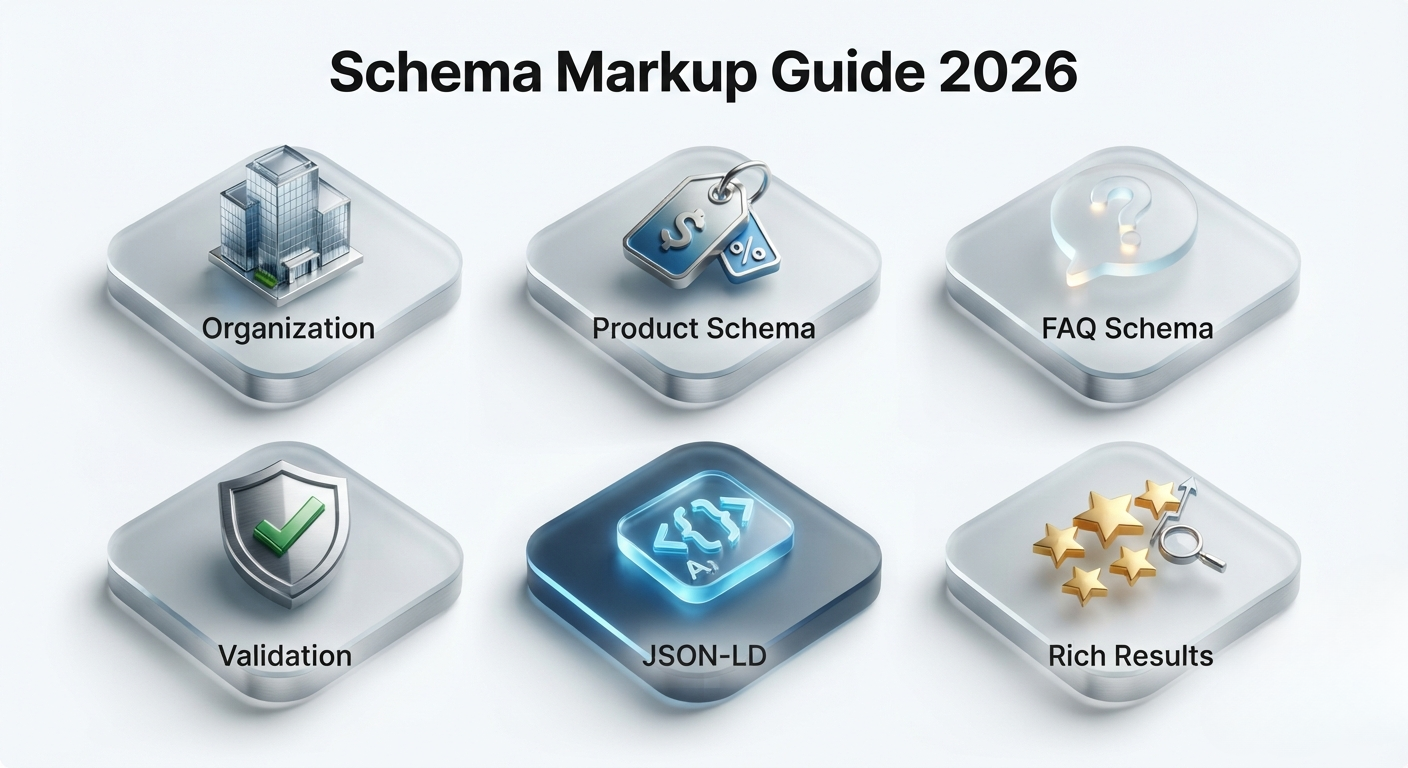
Why Schema Markup Matters More in 2026
Search results today mix regular links, rich snippets, AI overviews, and voice answers, and schema is the shared language that helps all of them understand your content correctly instead of guessing.
Schema doesn’t directly boost rankings on its own, but it directly affects whether you’re eligible for rich results and AI citations at all, which makes it one of the highest-leverage technical fixes available.
1. The Schema Types Every Small Business Should Use
Not every schema type applies to every page, but a handful cover most small business needs.
- Organization schema: your business name, logo, and contact details, used sitewide.
- LocalBusiness schema: address, hours, and service area, important if you serve a specific area.
- Article schema: for blog posts, includes author and publish date.
- Product schema: price, availability, and reviews on e-commerce pages.
- FAQ schema: question and answer pairs, like the ones at the end of this guide.
- BreadcrumbList schema: shows the page’s position in your site structure in search results.
2. Adding Schema Without Writing Code Yourself
Most small business owners don’t need to hand-write JSON-LD; the SEO plugins covered in our WordPress SEO plugin comparison already generate the common schema types automatically.
What to do: Use your SEO plugin’s built-in schema generator (Rank Math and AIOSEO both include visual schema builders) for Article, Product, and FAQ types, fill in the Organization and LocalBusiness details once in your plugin’s global settings, and only add custom JSON-LD manually for schema types your plugin doesn’t support.
3. Keeping Schema Accurate and Matching the Page
A schema that claims something the visible page doesn’t actually show is a direct violation of Google’s guidelines and can get rich results removed entirely, or worse, trigger a manual action.
What to do: Only mark up reviews and ratings you actually display on the page, keep the author and date schema updated when content is revised, and never copy a competitor’s schema structure without checking it matches your own page’s actual content.
4. Testing and Validating Your Schema
Schema with even a small syntax error can fail silently, meaning you think it’s working when Google isn’t reading it at all.
What to do: Run new pages through Google’s Rich Results Test before publishing, check the Enhancements reports in Search Console periodically for errors across the whole site, and retest after any theme or plugin update, since those can quietly break existing schema.
5. FAQ Schema and AI Citations
FAQ schema is one of the most useful types for small businesses since it structures exactly the kind of question-and-answer content AI tools tend to pull from directly, tying back to what we covered in our AI search optimization guide.
What to do: Write FAQs around the real questions customers actually ask, not invented ones just to gain a rich result; keep each answer self-contained and factually accurate on its own; and place FAQ schema on pages where the questions genuinely fit the content, not on every page as a blanket tactic.
Schema Markup Checklist
Here’s the complete schema markup checklist for 2026, everything covered in this guide in one place:
- Add Organization and LocalBusiness schema sitewide.
- Use your SEO plugin’s built-in schema generator where possible
- Keep every schema field matching what’s visibly on the page.
- Test new pages with Google’s Rich Results Test before publishing.
- Check Search Console’s Enhancements reports regularly.
- Use the FAQ schema only where the questions genuinely fit.
Also read: AI Search Optimization (GEO) Guide 2026.
Also read: E-commerce SEO Guide 2026
The Bottom Line
Schema markup for 2026 is about giving search engines and AI tools an accurate, structured description of your content, not chasing every shiny rich result type available. Start with the organisation and article schema, since your plugin likely already supports both.
Add the Product or LocalBusiness schema if they apply to you, then layer in the FAQ schema on pages with genuine, useful questions. Test everything before publishing, and re-check periodically.
Not sure what schema your site needs? AmanTPoint helps small businesses implement and validate schema markup correctly, without breaking anything else on the page.
Frequently Asked Questions About Schema Markup
Does schema markup directly improve Google rankings?
No, schema markup is not a direct ranking factor, but it makes your content eligible for rich results and AI citations that indirectly improve click-through rate and visibility.
Which schema type should a small business add first?
Organization schema first, since it applies sitewide and establishes basic business identity, followed by Article or Product schema depending on whether the site is content-based or e-commerce.
Can adding an incorrect schema get a website penalised?
Yes, schema that misrepresents page content violates Google’s structured data guidelines and can result in rich results being disabled or, in repeated cases, a manual action against the site.
How do I check if my schema is working correctly?
Use Google’s Rich Results Test on individual pages before publishing, and check the Enhancements section in Google Search Console for sitewide schema errors over time.


