
Technical SEO doesn’t get the same attention as keywords or backlinks, but it’s the part that decides whether Google can actually find, understand, and trust your site in the first place. You can write the best content in your niche and still lose rankings quietly because of something happening behind the scenes.
This technical SEO checklist for 2026 covers the things worth checking on your own site, in plain language, without assuming you already know the jargon. Run through it once, fix what needs fixing, and it becomes something you only need to revisit every few months.
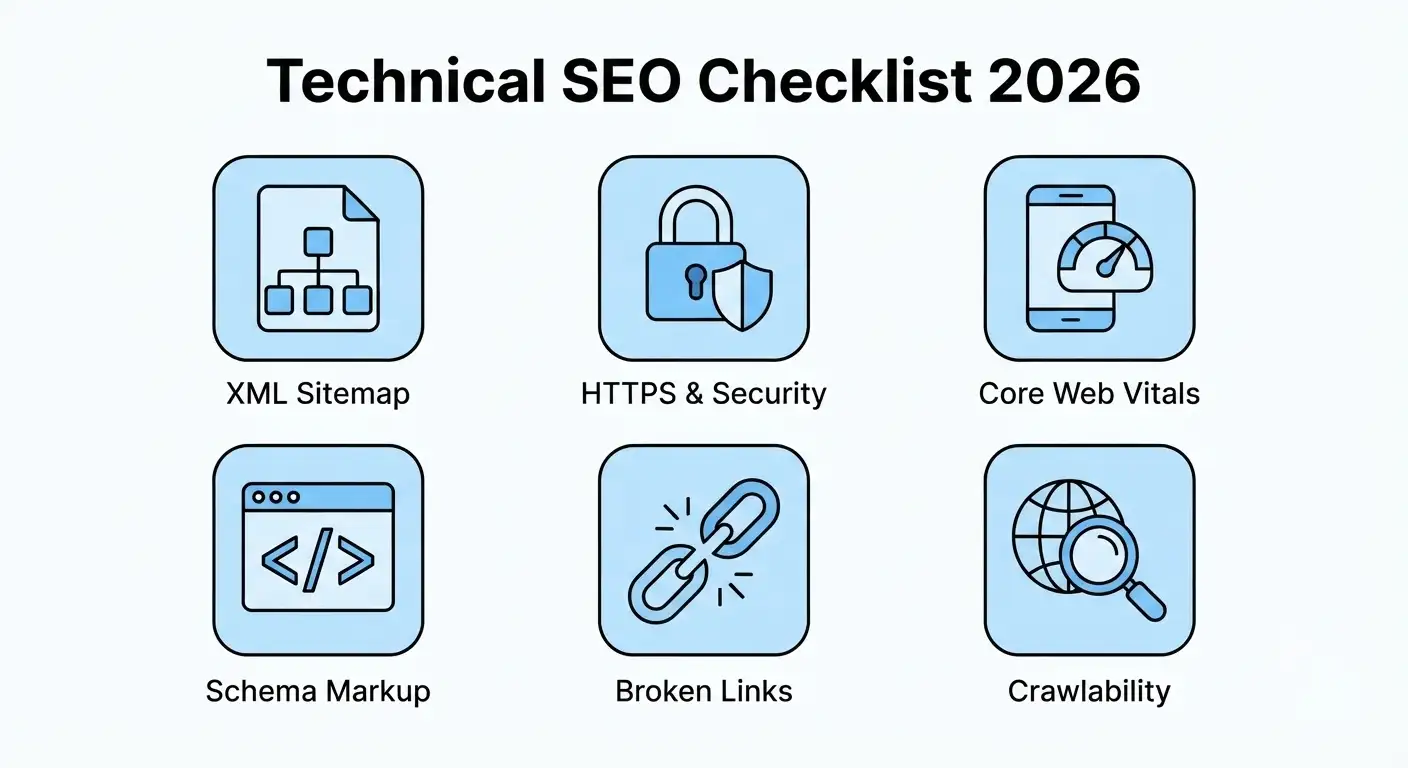
Technical SEO Checklist 2026: Where to Start
1. Make Sure Google Can Actually Crawl Your Site
Before anything else, Google needs to be able to reach your pages. A misconfigured robots.txt file or an accidental “noindex” tag left over from staging can quietly block your entire site without any obvious warning sign.
Fix it by: Checking your robots.txt file for anything blocking pages it shouldn’t, and reviewing the Coverage report in Google Search Console for pages marked “excluded” that should actually be indexed.
2. Submit and Maintain a Clean XML Sitemap
Your sitemap is the map you hand Google of everything worth crawling. An outdated one, full of old URLs or missing new pages, makes discovery slower than it needs to be.
Fix it by: Generating a sitemap through your SEO plugin, submitting it in Google Search Console, and checking back occasionally to confirm it’s updating as you publish.
3. Confirm HTTPS Is Working Site-Wide
HTTPS has been a baseline requirement for years, but mixed content warnings, expired certificates, or old HTTP links scattered through a site still show up more often than expected.
Fix it by: Checking that every page loads securely with no browser warnings, and running a quick site-wide search for any leftover “http://” links that should be “https://”.
4. Fix Core Web Vitals, Not Just “Page Speed”
Speed matters, but Google looks specifically at loading, interactivity, and visual stability. A page can feel fast and still score poorly if content shifts around as it loads.
Fix it by: Running your key pages through PageSpeed Insights, addressing the specific Core Web Vitals flagged, and paying attention to layout shift caused by ads or images without set dimensions.
5. Add Structured Data Where It Fits
Schema markup helps Google understand what your content actually is, whether that’s a blog post, a product, an FAQ, or a review, and it’s often the difference between a plain result and one with rich snippets.
Fix it by: Adding relevant schema through your SEO plugin or manually, then testing it with Google’s Rich Results Test before assuming it’s working.
6. Sort Out Canonical Tags and Duplicate Content
Duplicate or near-duplicate pages, whether from URL parameters, printer-friendly versions, or content syndication, confuse search engines about which version should actually rank.
Fix it by: Setting a self-referencing canonical tag on every page, and pointing duplicate or near-duplicate versions to the one you actually want indexed.
7. Hunt Down Broken Links and 404s
Old links break as you restructure content over time, and every one of them wastes crawl budget while giving visitors a dead end instead of an answer.
Fix it by: Running a broken link check every couple of months and either fixing the link, updating the destination, or setting up a proper redirect.
8. Maintain a logical and clean URL structure.
Not only do lengthy, disorganized URLs with lots of parameters or arbitrary numbers look amateurish, but they also provide users and search engines with less context about the content of the page.
Fix it by: Using short, descriptive URLs that reflect the page’s focus keyword, and avoiding unnecessary changes to URLs that are already indexed and ranking.
9. Set Up Redirects Properly, Not as an Afterthought
Deleted or renamed pages need a proper 301 redirect. Skip this step and you lose both the traffic and the ranking signals that page had built up.
Fix it by: Redirecting old URLs to the closest relevant page whenever you delete or rename something, and avoiding long chains of redirects stacked on top of each other.
10. Examine Your Website’s Real Mobile Look
A desktop-perfect page that breaks or hides material on mobile devices is working against you without you even realising it because Google automatically indexes the mobile version of your website.
Fix it by: Opening your own site on a phone regularly, checking that menus, tables, and images behave properly, and confirming nothing important is hidden or cut off.
Technical SEO Checklist: Quick Recap
Here’s the full technical SEO checklist for 2026 in one place:
- Confirm Google can crawl your site without blocks
- Keep your XML sitemap updated and submitted
- Make sure HTTPS works site-wide, no mixed content
- Fix Core Web Vitals, not just general page speed
- Add structured data where it genuinely fits
- Set canonical tags to avoid duplicate content issues
- Check for and fix broken links regularly
- Keep URLs short, clean, and descriptive
- Set up proper 301 redirects for changed pages
- Test your site on mobile, not just desktop
Also read: On-Page vs Off-Page SEO: Complete Guide 2026
Also read: How to Do Keyword Research for Free in 2026
The Bottom Line
None of these fixes are dramatic on their own, but together they decide whether your content even gets a fair shot at ranking. Most sites have at least two or three of these quietly unresolved.
Go through this technical SEO checklist against your own site and fix what you find. It’s a slow, unglamorous kind of SEO work, but it’s the foundation everything else sits on.
Not sure where your site stands? AmanTPoint can run through your website and flag exactly what’s holding your SEO back.


