
Choosing the right WordPress SEO plugin is one decision that quietly affects almost every other SEO task you do afterward, from meta tags to sitemaps to schema markup. Picking the wrong WordPress SEO plugin won’t ruin your website, but it will waste hours fighting a tool that doesn’t fit how you actually work.
If you’ve read our technical SEO checklist or our SEO-friendly blog writing guide, this comparison is the tool layer underneath all of it, the plugin that actually checks and enforces most of what those guides cover.
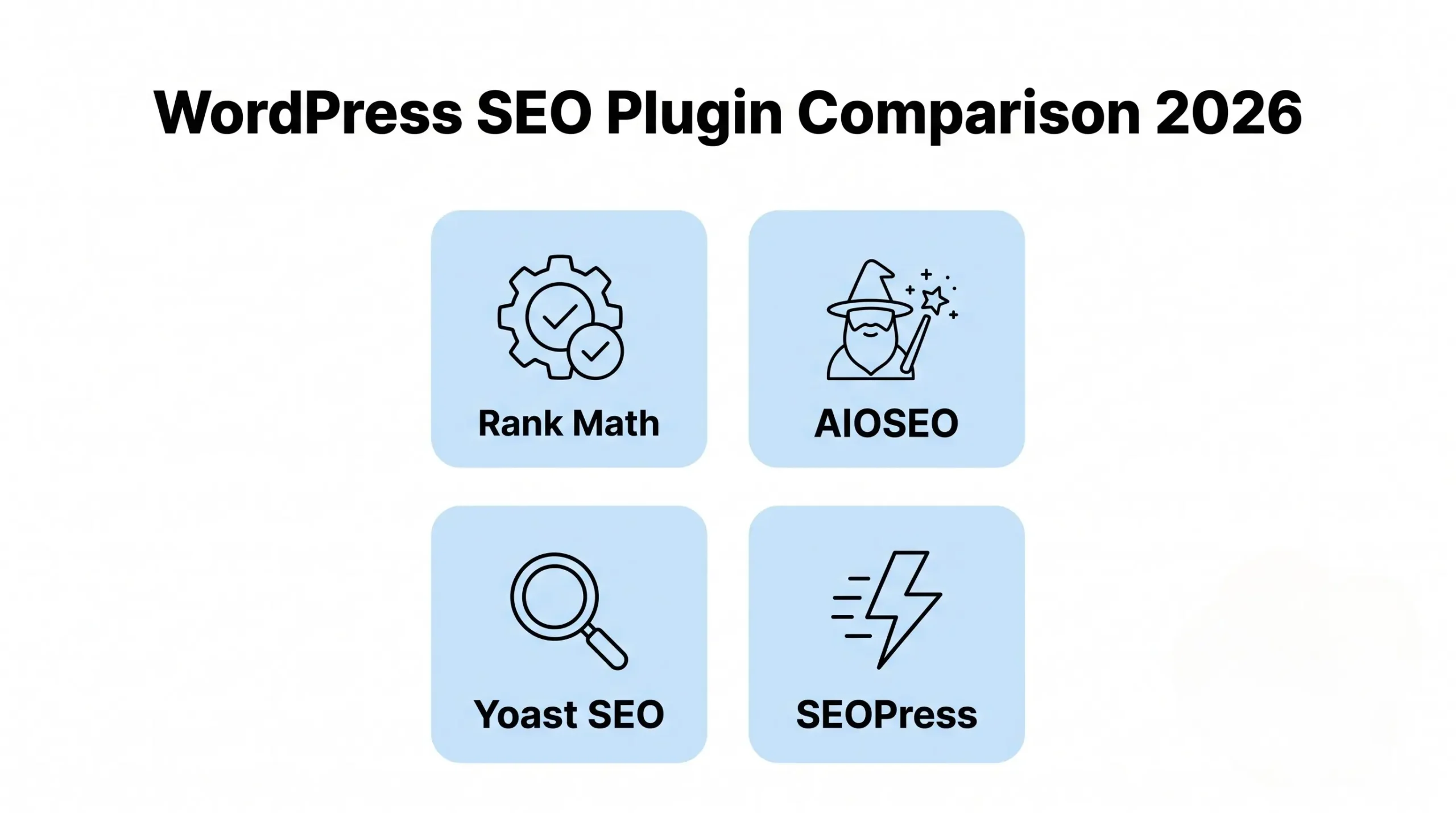
Why the Right WordPress SEO Plugin Actually Matters
A WordPress SEO plugin doesn’t rank your site on its own, but it handles meta tags, sitemaps, schema markup, and readability checks that would otherwise mean editing code by hand on every single post.
The right plugin also nudges you toward good habits, keyword placement, internal linking, image alt text, every time you publish, which matters more for consistency than any one-time technical fix.
1. Rank Math: Feature-Rich and Free
Rank Math packs an unusually large feature set into its free version, including multiple focus keywords, built-in schema types, and a Google Search Console integration that most competitors charge for.
Best for: Small businesses and bloggers who want advanced features (schema, redirections, multiple keywords) without paying immediately. The setup wizard is beginner-friendly, though the sheer number of settings can feel overwhelming at first.
2. Yoast SEO: The Long-Standing Standard
Yoast has been the default choice for over a decade, and its readability and keyword analysis remain genuinely useful for writers who aren’t SEO specialists.
Best for: Users who want a simple, well-documented tool with a huge community and plenty of tutorials. Advanced features like schema and redirections mostly sit behind Yoast Premium, which is the main trade-off against Rank Math’s free tier.
3. All in One SEO (AIOSEO): Beginner-Friendly Setup
AIOSEO leans heavily into guided setup wizards and a clean dashboard, aiming squarely at users who don’t want to dig through settings menus.
Best for: Beginners who want SEO health checks and basic schema without a steep learning curve. It also includes a link assistant to suggest internal linking opportunities, which is a nice touch for content-heavy sites.
4. SEOPress: Lightweight and Developer-Friendly
SEOPress is noticeably lighter on page load than the bigger plugins, and it exposes more granular controls for users comfortable digging into settings themselves.
Best for: Developers or advanced users managing multiple sites, since SEOPress offers a white-label option and doesn’t nag with as many upsell prompts inside the dashboard.
5. Comparing Free Versions of Each WordPress SEO Plugin
Most small businesses will live entirely inside each plugin’s free tier, so that’s the version worth comparing closely rather than the premium upsells.
What to check: Whether XML sitemaps and basic schema are included free (Rank Math and AIOSEO both include more than Yoast’s free tier), how many focus keywords you can target per post, and whether Google Search Console connects natively or requires a separate plugin.
6. Performance Impact on Your Site
A WordPress SEO plugin that slows your site down works against you, since page speed is itself a ranking and conversion factor, as covered in our conversion rate optimization guide.
What to do: Run a speed test before and after installing any SEO plugin, disable modules you’re not using (many plugins let you turn off unused features like local SEO or WooCommerce add-ons), and avoid running two SEO plugins simultaneously, which causes duplicate meta tags and schema conflicts.
7. Migrating Between SEO Plugins Safely
Switching your WordPress SEO plugin later is common, but done carelessly it can wipe out meta titles, descriptions, and redirects you’ve already built up.
What to do: Use the new plugin’s built-in importer (Rank Math, AIOSEO, and SEOPress all offer one-click imports from Yoast), back up your database before switching, and check a sample of pages afterward to confirm meta data carried over correctly.
WordPress SEO Plugin Comparison Checklist
Here’s the complete WordPress SEO plugin checklist for 2026, everything covered in this guide in one place:
- Rank Math for the most free features and built-in schema
- Yoast for simplicity and the largest community support
- AIOSEO for guided setup and beginner-friendly onboarding
- SEOPress for lightweight performance and developer control
- Never run two SEO plugins active at the same time
- Test site speed before and after installing any plugin
- Back up your site before migrating between plugins
Also read: Technical SEO Checklist for 2026
Also read: How to Write SEO-Friendly Blog Posts
The Bottom Line
There’s no single best WordPress SEO plugin for everyone in 2026, the right pick depends on whether you want maximum free features (Rank Math), simplicity and community support (Yoast), guided onboarding (AIOSEO), or lightweight developer control (SEOPress).
Pick one WordPress SEO plugin, set it up properly with your business’s real keywords, and stick with it rather than plugin-hopping every few months. Consistency in how you tag and structure content matters more than which plugin logo is in your dashboard.
Not sure which setup fits your site? AmanTPoint helps small businesses configure their SEO plugin correctly from day one, so nothing important gets missed.


