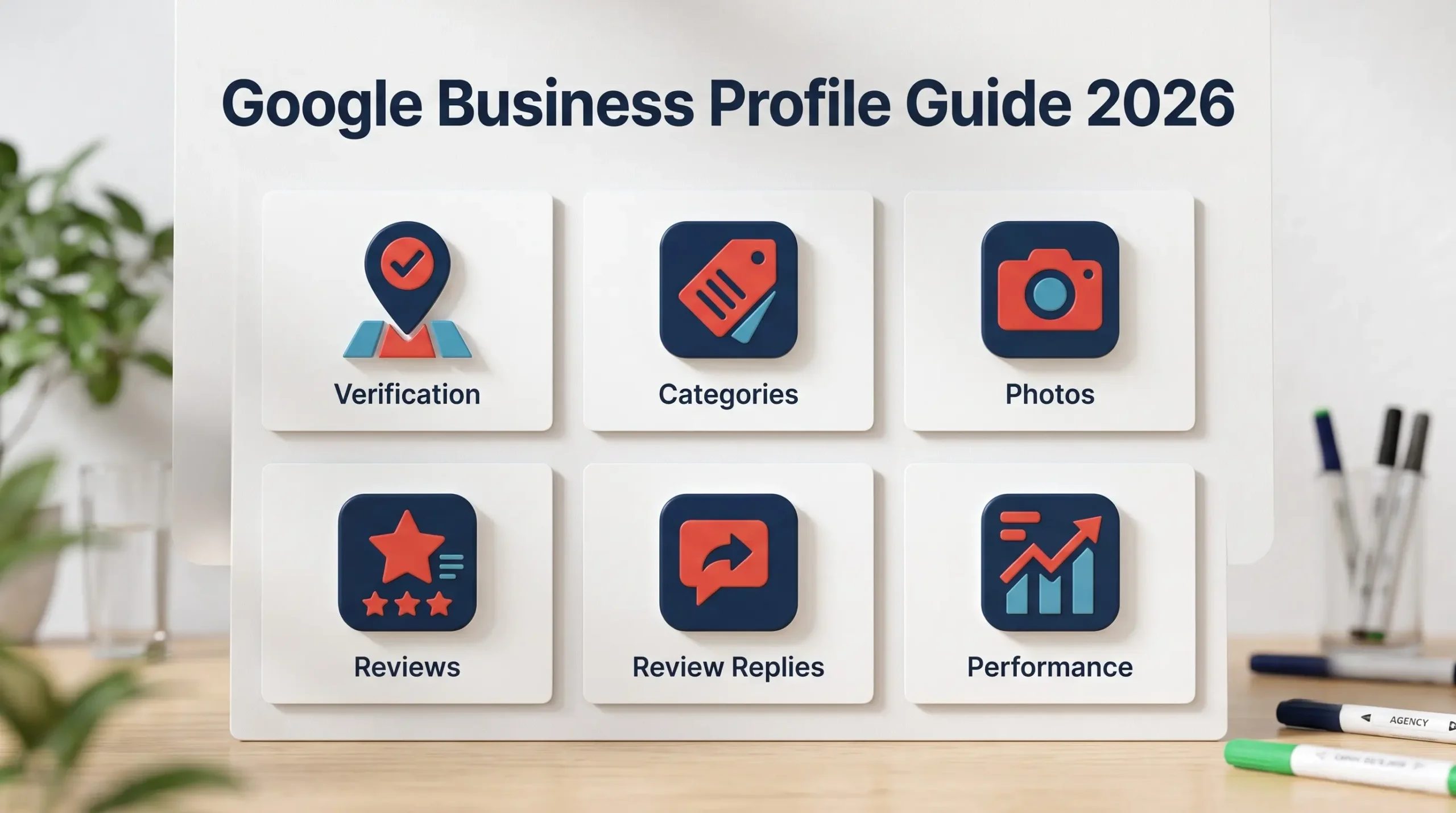
When someone searches “near me”, the businesses at the top of the map aren’t there by luck. A well-optimised Google Business Profile is the single most important free asset a local business has, and most small businesses either never finish setting it up or never touch it again after verification. If you’ve read our local SEO guide, this is the deep dive on its most important piece: how to set up, optimize, and maintain your profile so it actually brings in calls, visits, and enquiries.
Why Google Business Profile Matters for Local Visibility
Google says local results are ranked mainly on three things: relevance (how well your profile matches the search), distance (how close you are to the searcher), and prominence (how well-known your business is, including reviews and web presence). You can’t change distance, but you have real control over the other two. A complete, active profile also converts better once people find it. Customers can call, get directions, check hours, and read reviews without ever visiting your website.
1. Claiming and Verifying Your Profile Correctly
An unverified profile has limited visibility and limited control, so verification is the first real step, not an optional extra. What to do: Search for your business on Google first to see if a profile already exists before creating a duplicate, complete verification using whichever method Google offers you (phone, email, video, or postcard), and use your real business name exactly as it appears on your signage, since adding extra keywords to the name can get a profile suspended.
2. Choosing the Right Primary and Secondary Categories
Your category tells Google what kind of business you are, and it’s one of the strongest relevance signals on the whole profile. What to do: Pick the most specific primary category that describes your main service (for example, “Dental Clinic” rather than just “Health”), add secondary categories only for services you genuinely offer, and look at what your top-ranking local competitors use as their primary category for guidance.
3. Filling Out Every Section of the Profile
Incomplete profiles look untrustworthy and give Google less to match against what people are searching for. What to do: Add accurate opening hours and update them for holidays, write a clear business description that explains what you do and who you serve without keyword stuffing, list your services or products with short descriptions, and add all relevant attributes such as wheelchair access or online appointments.
4. Photos and Videos That Build Trust
People judge a local business visually before they ever call. Real photos of your premises, team, and work reassure them far more than a generic logo does. What to do: Upload a clear logo and cover photo, add real photos of your exterior, interior, team, and products or finished work, and add new photos regularly so the profile looks active. Avoid stock photos, since customers can usually tell.
5. Getting Reviews the Right Way
Reviews affect both your prominence in local results and whether a searcher chooses you over the business next to you. How you collect them matters as much as how many you get. What to do: Ask happy customers for a review right after a good experience using your profile’s direct review link, never offer discounts or gifts in exchange for reviews since that violates Google’s policies, and never buy or write fake reviews, which can lead to removal or suspension. According to Google’s review policies, reviews should reflect genuine customer experiences.
6. Responding to Reviews, Good and Bad
Replying to reviews shows future customers how you treat people, and a calm, professional response to a bad review can win more trust than the complaint costs you. What to do: Reply to positive reviews with a short, personal thank-you, respond to negative reviews quickly, politely, and without arguing, offer to resolve the issue offline, and flag genuinely fake or policy-violating reviews for removal instead of just ignoring them.
7. Posting Updates and Tracking Performance
An active profile signals a business that’s open and engaged, and the performance data shows what’s actually driving customer actions. What to do: Share updates, offers, and events through profile posts regularly, check your profile’s performance data to see calls, direction requests, and website clicks, and add UTM parameters to your website link so profile traffic shows up separately in the reports covered in our GA4 setup guide.
Google Business Profile Checklist
Here’s the complete Google Business Profile checklist for 2026, everything covered in this guide in one place:
Claim and verify your profile, avoiding duplicates.
Use your real business name without added keywords.
Choose the most specific primary category.
Complete hours, description, services, and attributes
Upload real photos and refresh them regularly.
Ask for reviews without incentives, and never buy them.
Reply to every review professionally.
Post updates and track calls, directions, and clicks
A Google Business Profile for 2026 doesn’t need tricks. It needs to be verified, accurate, complete, and active, with real photos and genuine reviews you’ve earned honestly. Start by checking your category, hours, and description today, then build a simple habit of asking for reviews and posting an update every week or two. Need help with yours? AmanTPoint helps local businesses set up and optimize their Google Business Profile so more nearby customers actually find and contact them.
Frequently Asked Questions About Google Business Profile
Is Google Business Profile free?
Yes, creating and managing a Google Business Profile is completely free. You only pay if you choose to run Google Ads on top of it.
What is the difference between Google My Business and Google Business Profile?
They’re the same thing. Google renamed Google My Business to Google Business Profile in 2021 and now manages it directly through Google Search and Maps.
Can I have a Google Business Profile without a physical shop?
Yes, if you serve customers at their location, such as a plumber or home tutor, you can set up a service-area business and hide your address. You still need to follow Google’s eligibility guidelines for service-area businesses.
How do I get more Google reviews?
Ask satisfied customers directly, soon after a good experience, and share your profile’s review link by message or QR code to make it easy. Never offer incentives or write reviews yourself, since both violate Google’s policies.
Why was my Google Business Profile suspended?
Common reasons include adding keywords to the business name, using a fake or ineligible address, or creating duplicate profiles. Review Google’s guidelines, correct the issue, and submit a reinstatement request through your profile.